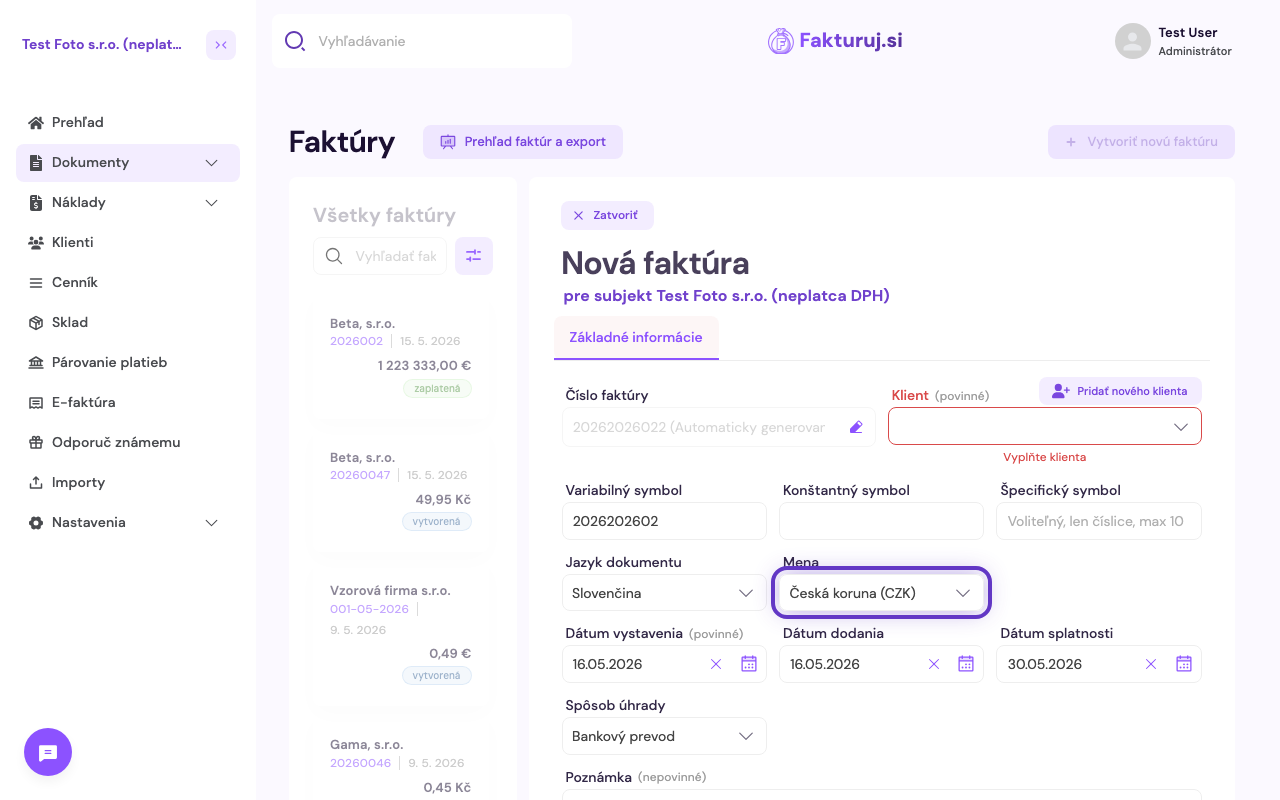
Fakturuj.si supports invoicing in multiple currencies. When creating a new invoice, simply select a different currency — all amounts will be displayed in the selected currency and Fakturuj.si will automatically show the conversion rate to euros as of the issue date (CNB/ECB rate).
Procedure
- Create a new invoice (Overview → “Create new invoice”).
- In the basic information section, locate the Currency field.
- Select a currency: EUR, CZK, USD, GBP, HUF and others.