In Fakturuj.si, there are two separate sections for recurring invoiced items — Price List and Stock. They differ in their purpose:
- Price List — for services (consultations, hourly rates, flat fees, rentals). An item has a price and a unit, but stock levels are not tracked.
- Stock — for physical products or licences of which you have a limited number. Stock levels are tracked — when an invoice is issued, the quantity is automatically deducted.
Price list (services)
In the left-hand menu, click on Price List. In the top right-hand corner, click “+ Create new item” and fill in:
- Name and optional description
- Unit — hour, pcs, pcs, month…
- Price — in EUR and other currencies (USD, CZK) if you are invoicing abroad
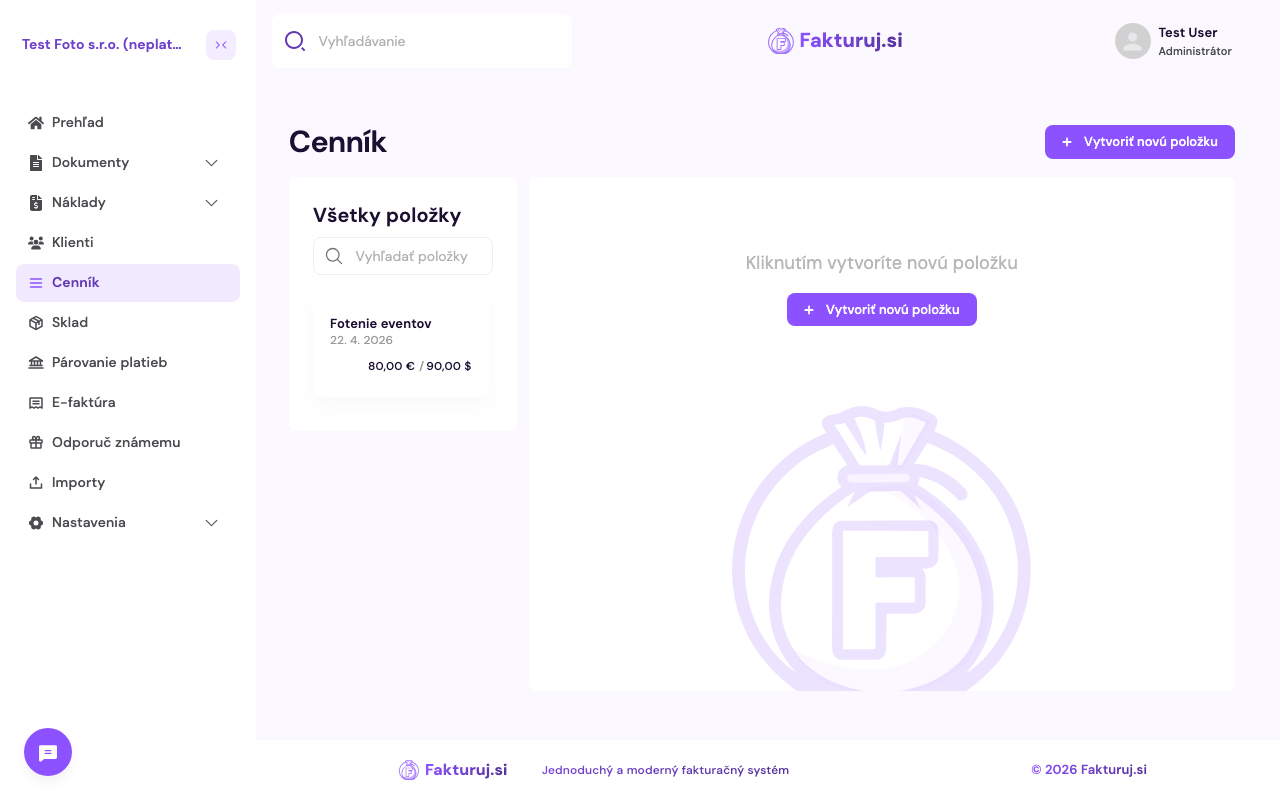
When creating an invoice, simply select the item from the drop-down menu — the price and unit will be filled in automatically.
Stock (products)
In the left-hand menu, click on Stock. You can add a product using these fields:
- Name + optional product code (SKU)
- Purchase price and selling price
- Current stock level — how many items you have available
- Unit — pcs, pack, kg…
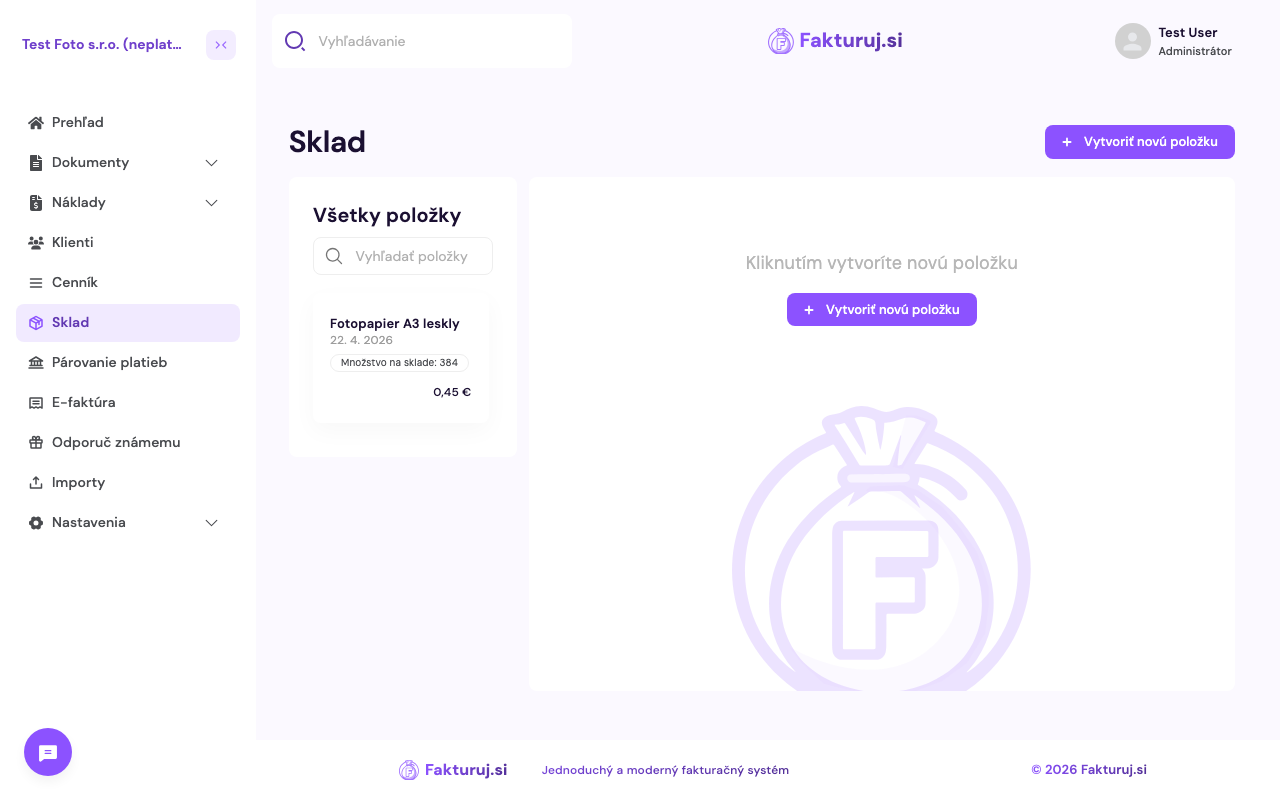
When creating an invoice, the quantity is automatically deducted from stock for each stock item — so you can see in real time what you still have available.